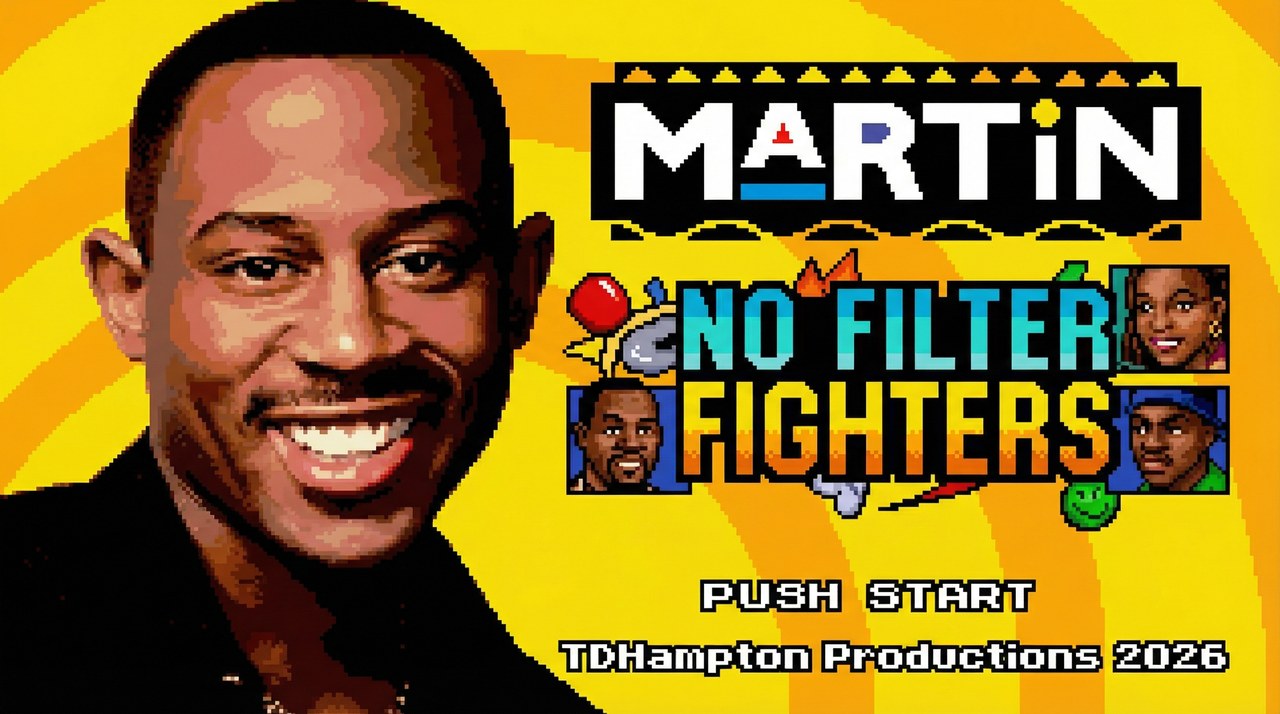




Martin: No Filter Fighters is a free, fan-made 2D fighting game inspired by the sitcom Martin. Pick a fighter, choose a sidekick, then play in your browser on a computer, phone, or tablet. You can jump into a solo mode, challenge someone beside you, or use Online Versus to play a friend with a room code.
New fighter · New level breaks
Bob from Marketing Joins the Fight
Bob throws pizza boxes, builds Hype by dancing, and has a super move that starts when he answers the phone and sends the whole party out of control. He also brings a new arena: The Corporate Party. The latest update adds NEXT LEVEL stage breaks, so an uppercut can send an opponent through the ceiling to the floor above, or a slam can break through the floor below.
What Is Martin: No Filter Fighters?
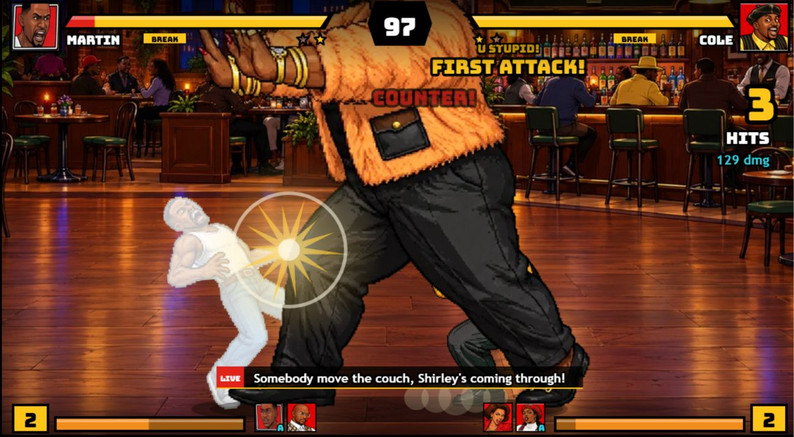
This is a character-driven fighter built around familiar faces, team assists, signature supers, and comedy from the show. Choose one fighter and one sidekick for your team; each character can only be picked once in a match. During a round, use your fighter’s attacks and special moves, call the sidekick, and look for a chance to land a super. Rival trash talk uses lines from the show, while each arena has its own theme music.
Matches can also move beyond a single screen. Stage breaks let you smash an opponent through a wall, ceiling, or floor into another location. That change gives a close fight a sudden new backdrop and makes the stage part of the action instead of a static image behind the health bars.
How to Start Your First Match
Start with the browser build above if you want to play right away. It runs inside the page, so there is no desktop installer to download for a first match. Give the game a moment to load, click or tap inside the player, and follow the start prompt. On a desktop keyboard, press Enter when the game asks you to start. If the arrow keys scroll the webpage, click the game once more to return focus to the player.
- Choose a mode. Training is a good first stop for movement, attacks, sidekick calls, and supers. Pick Arcade for a solo run, Story to explore character stories, or Versus to play a match.
- Build your team. Select a fighter and a sidekick when the game prompts you. Each character can be used only once on a team in that match.
- Learn one input at a time. Start with movement and basic attacks. Then test the special, sidekick, and super buttons listed below or remap them in Settings.
- Pause when you need to reset. Press Esc on a keyboard or Start on a controller to open Resume, Restart, or Quit to Menu.
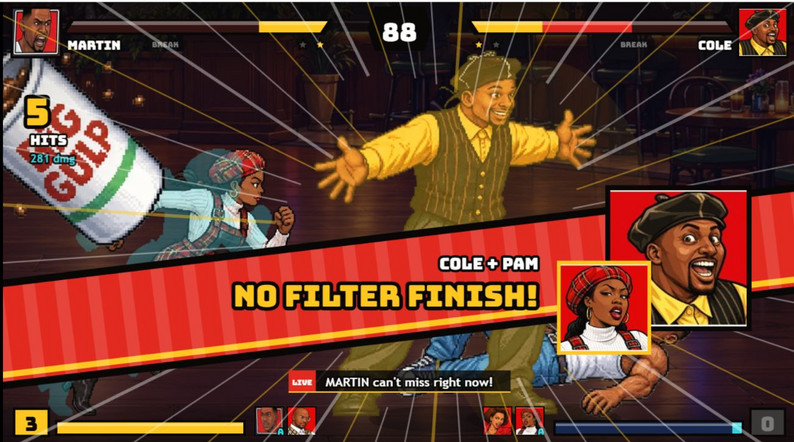
Game Modes, Supers & Stage Breaks
The creator lists Story Mode, Arcade, Versus, Training, CPU Showcase, and Online Versus. Online Versus uses a room code to connect with a friend. Reveal Theater lets you watch fighter reveals inside the game, while Training gives you room to get comfortable with your team’s buttons before you play a full set.
Signature supers give the roster its own set of big moments. The listed examples include Big Shirley, Party Over Here, Job Roulette, cartoon Martin’s Mic Drop, Jerome’s freeze combos, Varnell’s Catfish Cannon, FROM THE FIFTH FLO’, and THIS PARTY IS OUT OF CONTROL. Stage breaks add another way for a round to change direction: a wall, ceiling, or floor can give way and carry the match into a new stage.
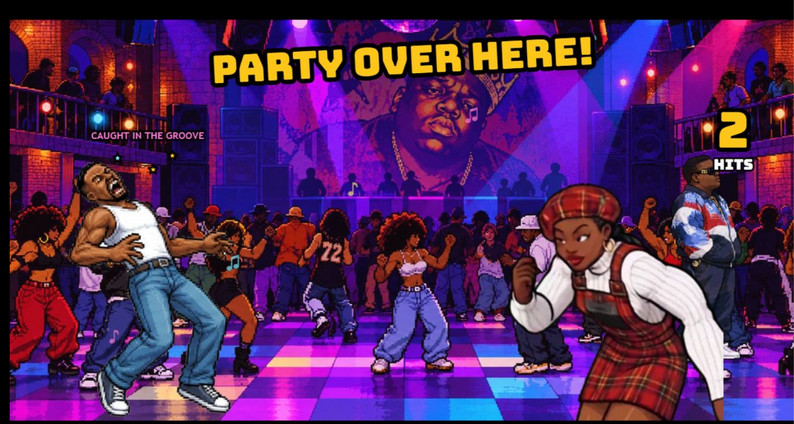
11 Fighters and 9 Stages
The current creator listing names 11 playable fighters: Martin, Gina, Pam, Cole, Tommy, Sheneneh, Varnell Hill, Dragonfly Jones, Jerome, Bruh-Man, and Bob from Marketing. Choose a familiar main character, then pair them with a sidekick to bring another personality into the match.
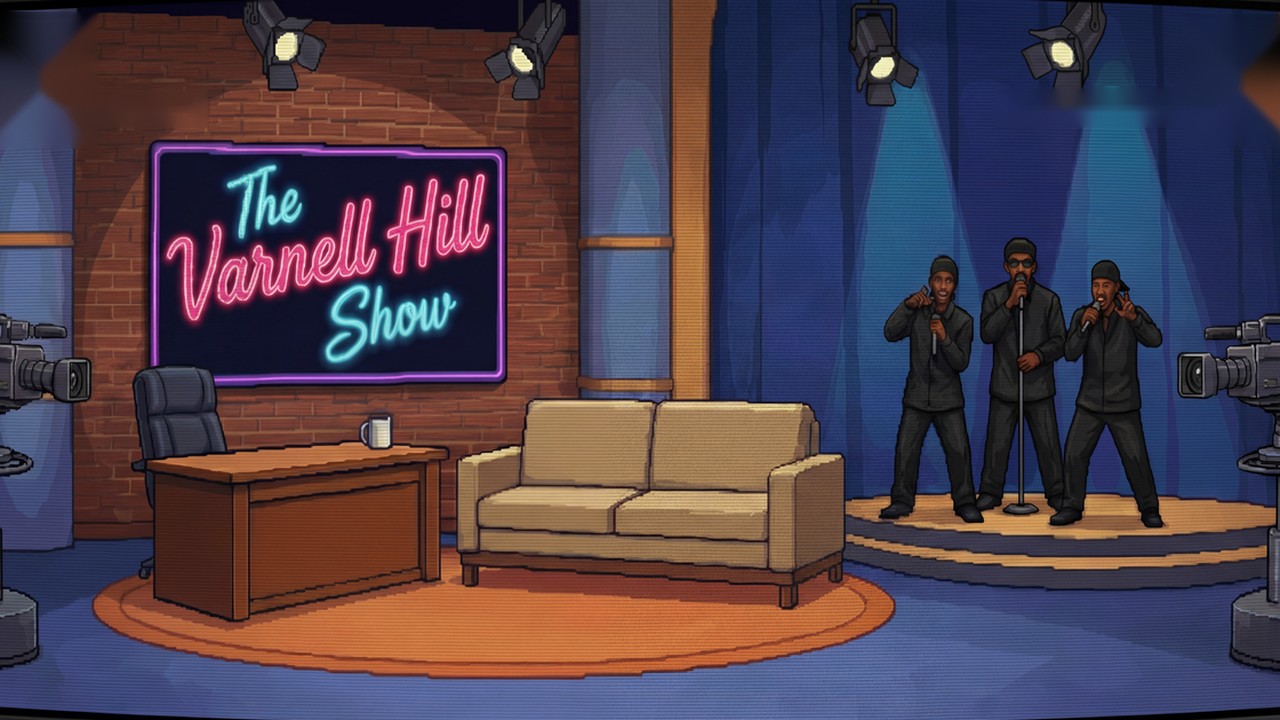
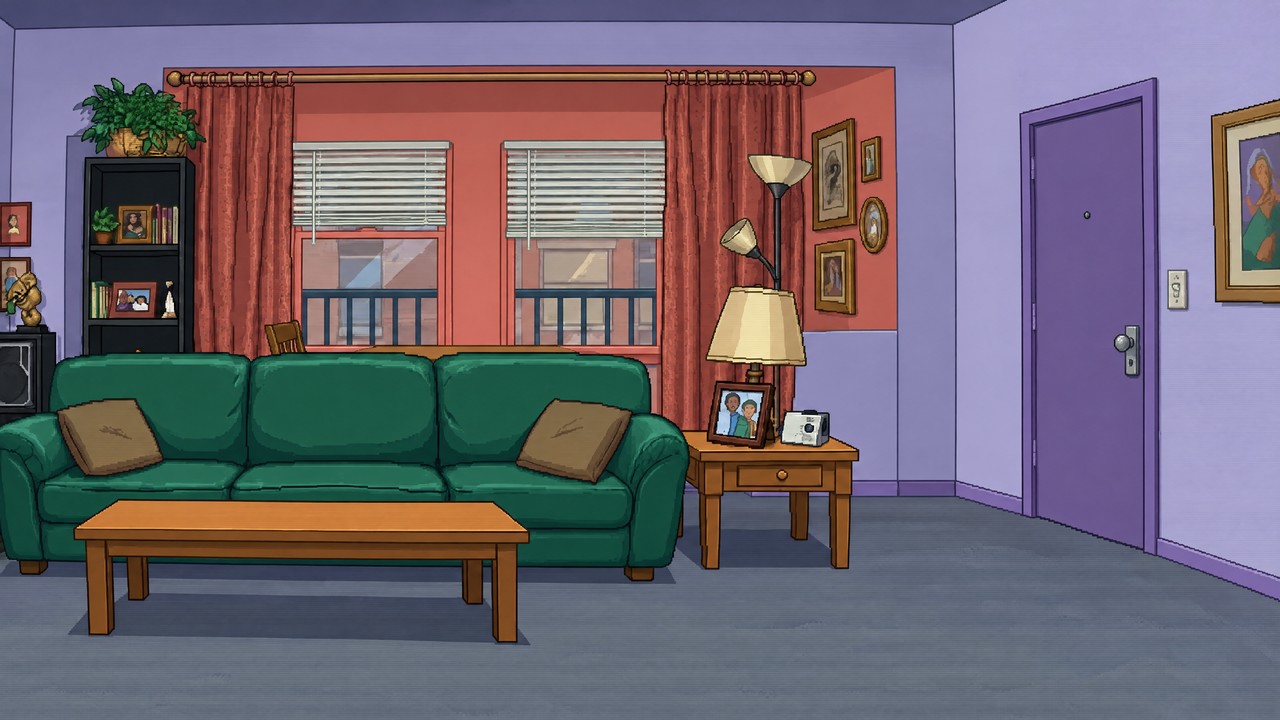
The 9 listed stages are The Varnell Hill Show, Martin’s Apartment, Club GTD, Sheneneh’s Salon, Nipsey’s, Dragonfly’s Dojo, The Playa’s Ball, The Fifth Flo’, and The Corporate Party. Every stage has its own theme music, and stage breaks can carry a fight into another location.
Keyboard, Controller & Mobile Controls
These are the published default keyboard bindings. Player one and player two can share a keyboard, so review both columns before starting local Versus. Open Settings in the game to remap a key or button if the default layout does not fit your setup.
| Action | P1 | P2 |
|---|---|---|
| Move | WASD | Arrow keys |
| Attacks | F, G, V, B | J, K, M, comma (,) |
| Special | H | L |
| Supers | T / Y | I / O |
| Sidekick | C | . |
| Pause | Esc or controller Start | |
For a controller, connect it and press any button once so the game detects it. The touch buttons hide automatically while a controller is in use. On a phone or tablet, touch controls appear on screen; turn the device sideways for a wider play area.
PC Downloads for Windows, Linux & Steam Deck
Browser play is the fastest way to start. If you want a desktop copy, choose the current Windows or Linux/Steam Deck package from the creator’s itch.io page.
- Download the zip for your system and extract the complete folder.
- On Windows, run Martin No Filter Fighters.exe. If Windows shows its protected-PC screen, the creator’s instructions say to choose More info, then Run anyway.
- If the game opens to a black screen or shows graphics glitches, try Launch - Compatibility Mode.bat from the same folder.
- On PC, press F11 or Alt+Enter to toggle fullscreen. The creator says your settings carry over when you update.
For the current file names, platform notes, and future updates, go to the Martin: No Filter Fighters page on itch.io. This site does not host the desktop installers.
Troubleshooting
- The title screen does not respond: click or tap inside the game to give it focus. On desktop, press Enter when the start prompt appears.
- The arrow keys scroll the page: click the player again, then test movement. The browser may have focus instead of the game.
- The game looks blank or loads slowly: wait for the browser build to finish loading, then use the player reload control if needed. You can also open the creator’s itch.io page to try the source build.
- Fullscreen is unavailable on a phone: rotate to landscape or use the creator’s page. Browser fullscreen support varies by device.
- An online room will not connect: confirm both players selected Online Versus and follow the current room-code steps. Connection availability depends on the game’s multiplayer service.
Creator, Updates & Fan-Made Disclaimer
The game is made by TDHampton Productions. Follow updates on TikTok at @user25069488 (Trey2k23) or Instagram at @tre2k12. The creator asks fans to suggest a character in the comments on the original game page; if the character is already suggested, like that comment.
Martin: No Filter Fighters is a free, non-commercial fan tribute. Martin and its characters belong to their respective owners. This game and this independent fan page are not affiliated with or endorsed by the show’s creators, cast, or networks. The creator’s support link is for their original games.
More games by Trey2k23 · Support the creator’s original games